Burner
Open beta on iPhone & Android.
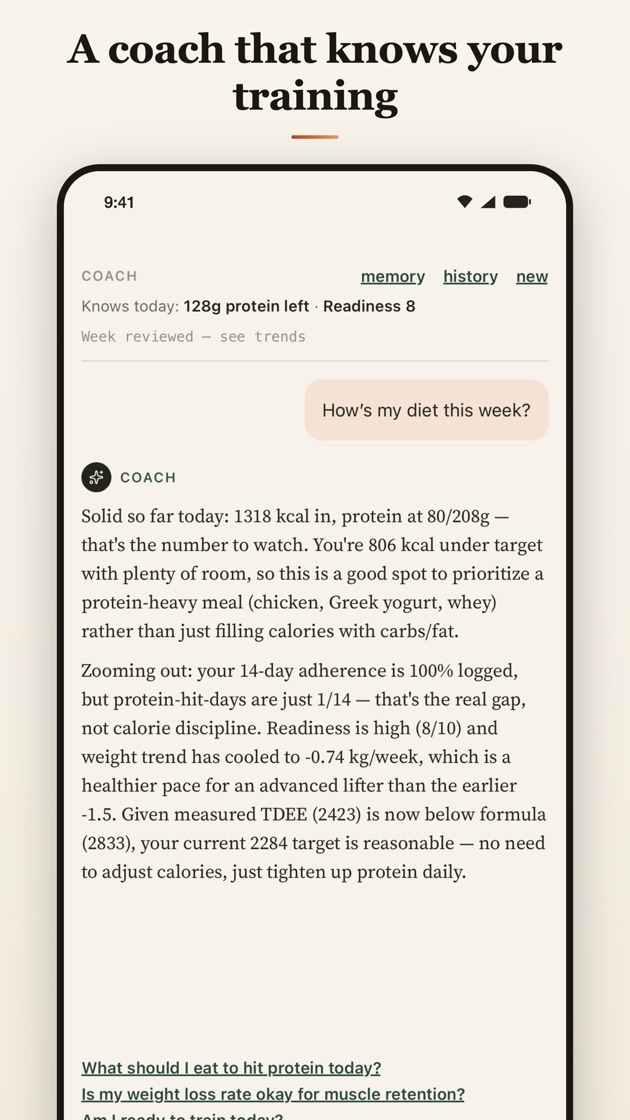
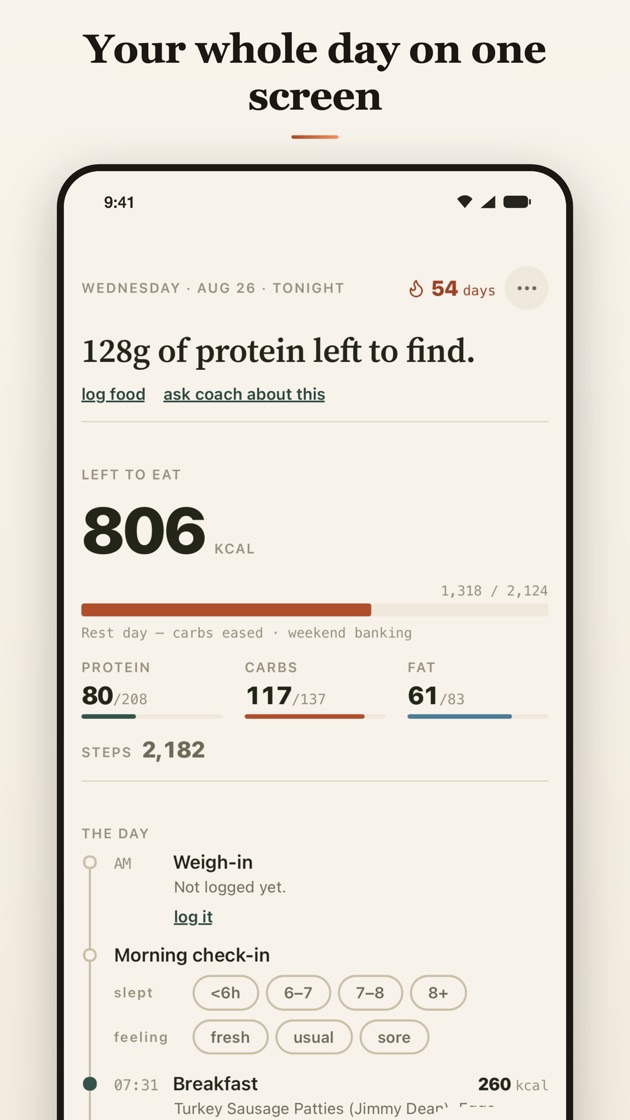
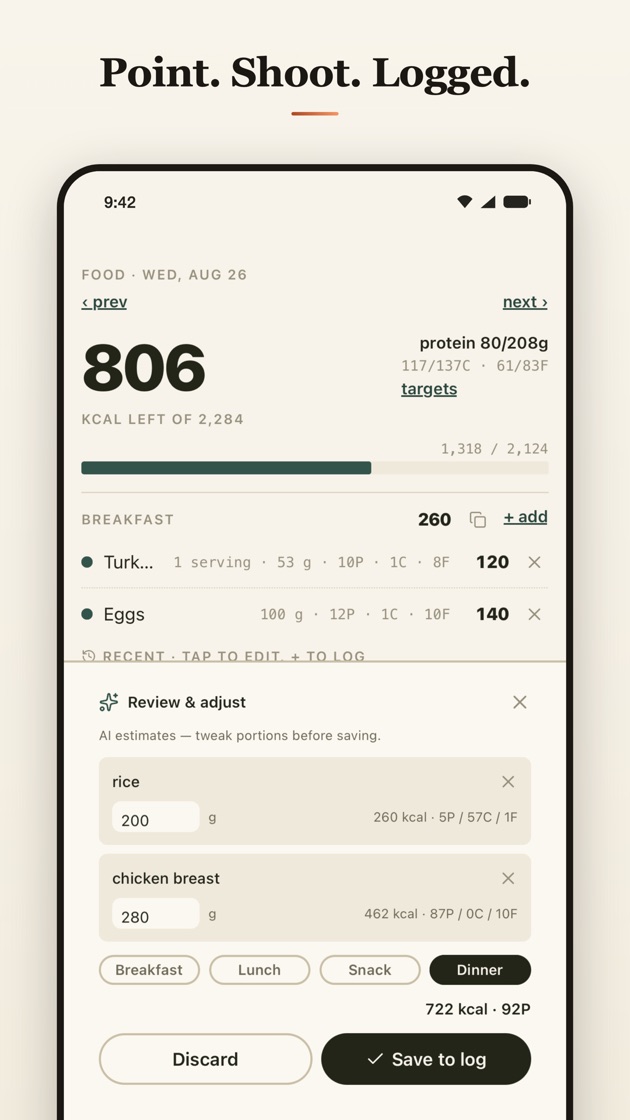
Train, eat, and see what's working — in one app.
iPhone
- Install TestFlight from the App Store.
- Open the Burner invite on your iPhone and tap Accept.
- Tap Install.
Android
- Join the Burner testers group with your Google account.
- Opt in to testing with the same account.
- Install Burner from Google Play.
Use the Google account that's on your phone. After you opt in, it can take a few minutes for Burner to show up in Google Play.